Terrain wavetable synth
Carta
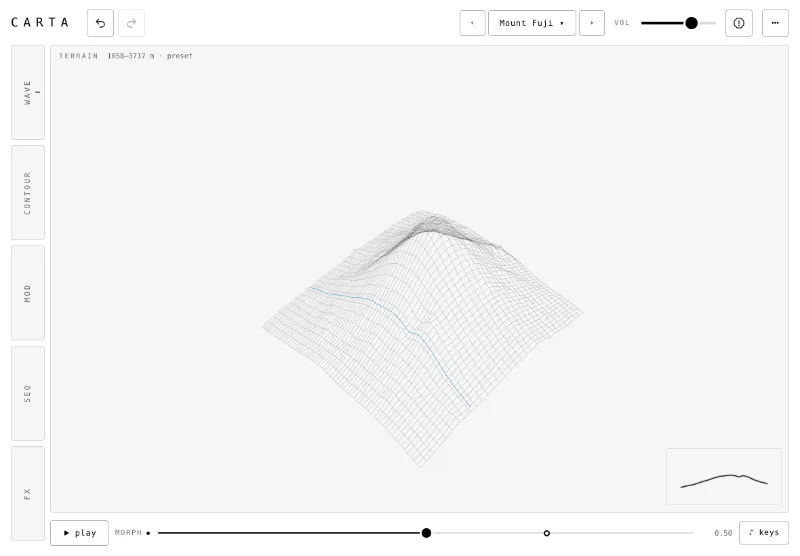
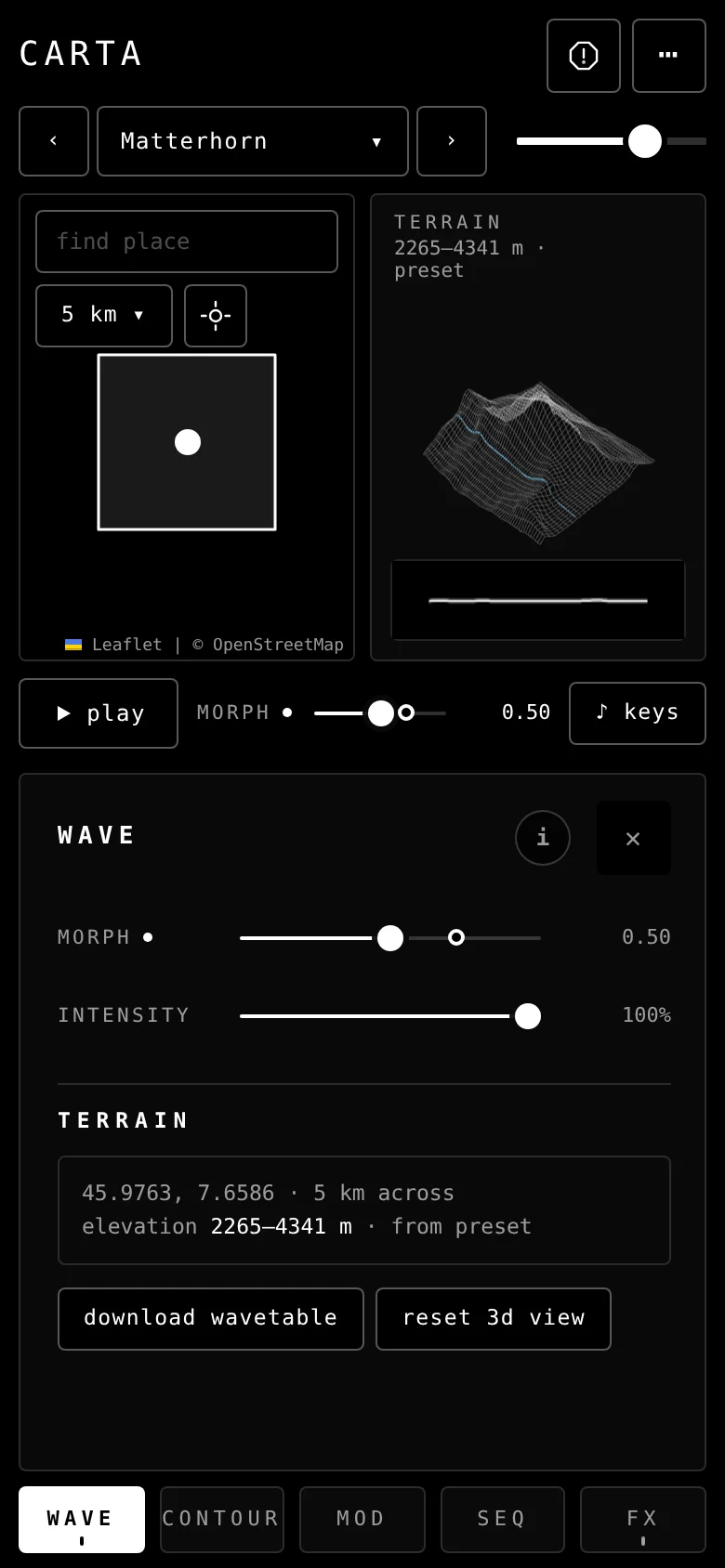
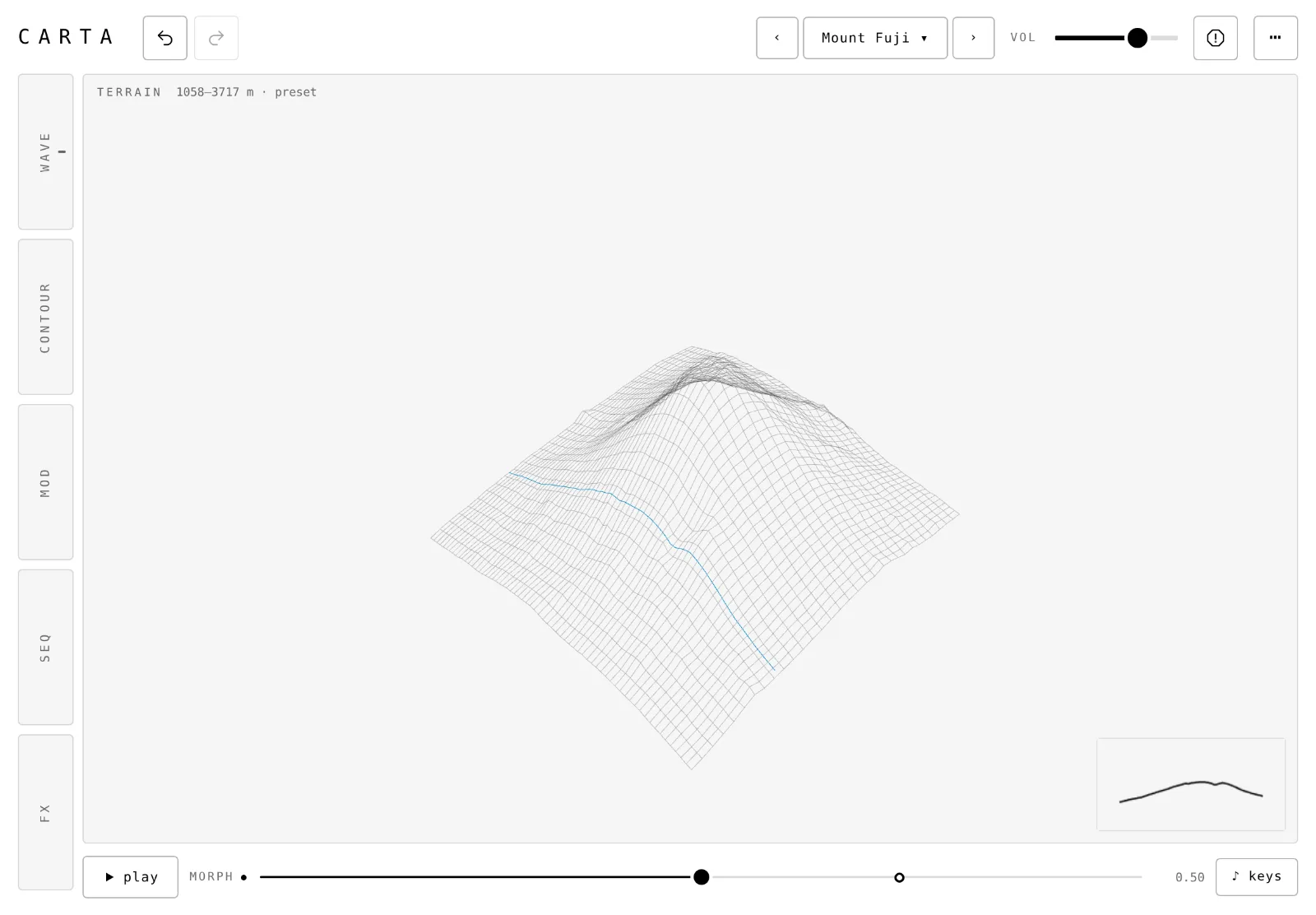
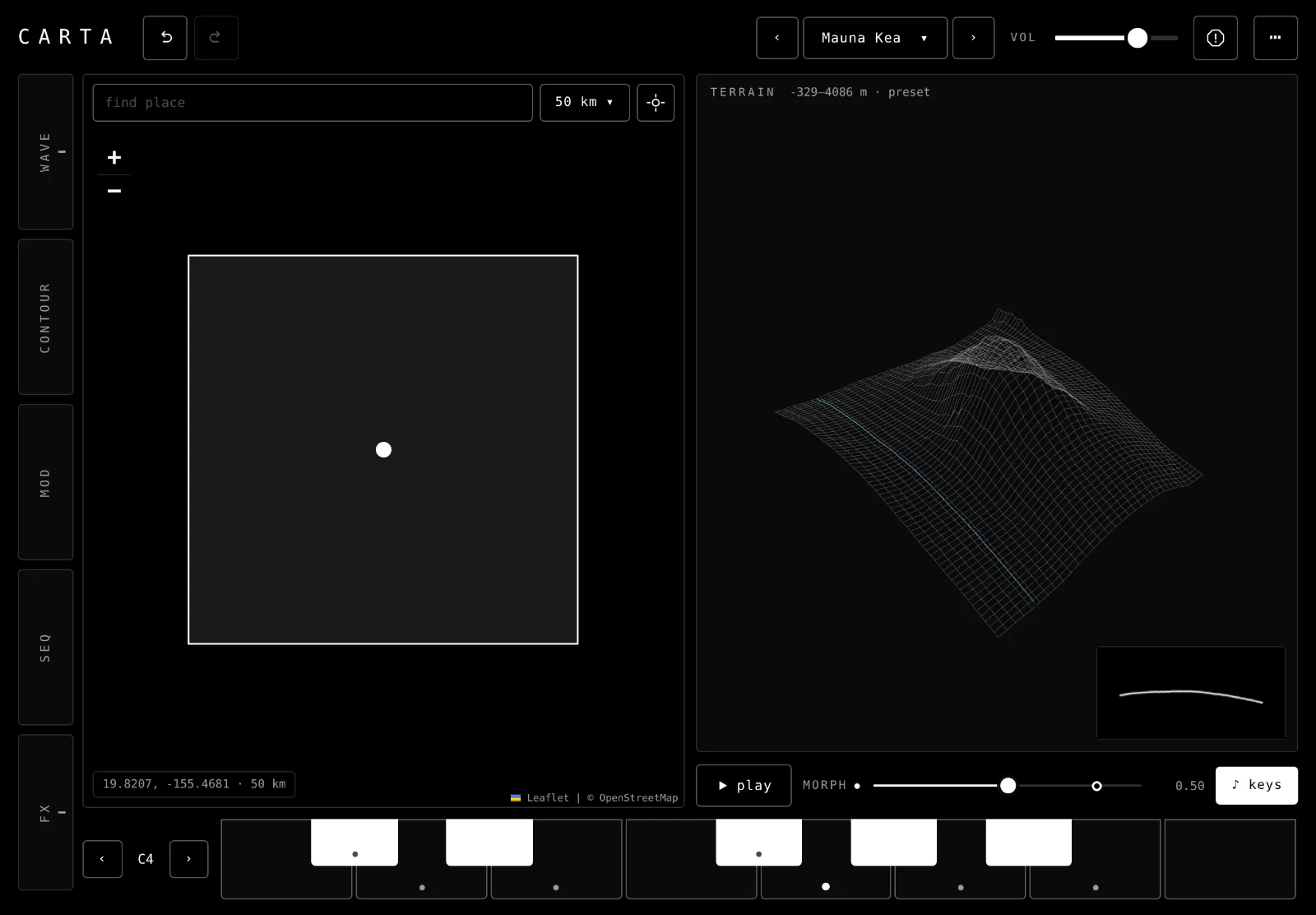
Pick a place on the map and play the ground there. Each west to east row of terrain is one wave, and morph walks you from north to south.
What it does
From a map to a synth
01Pick a place
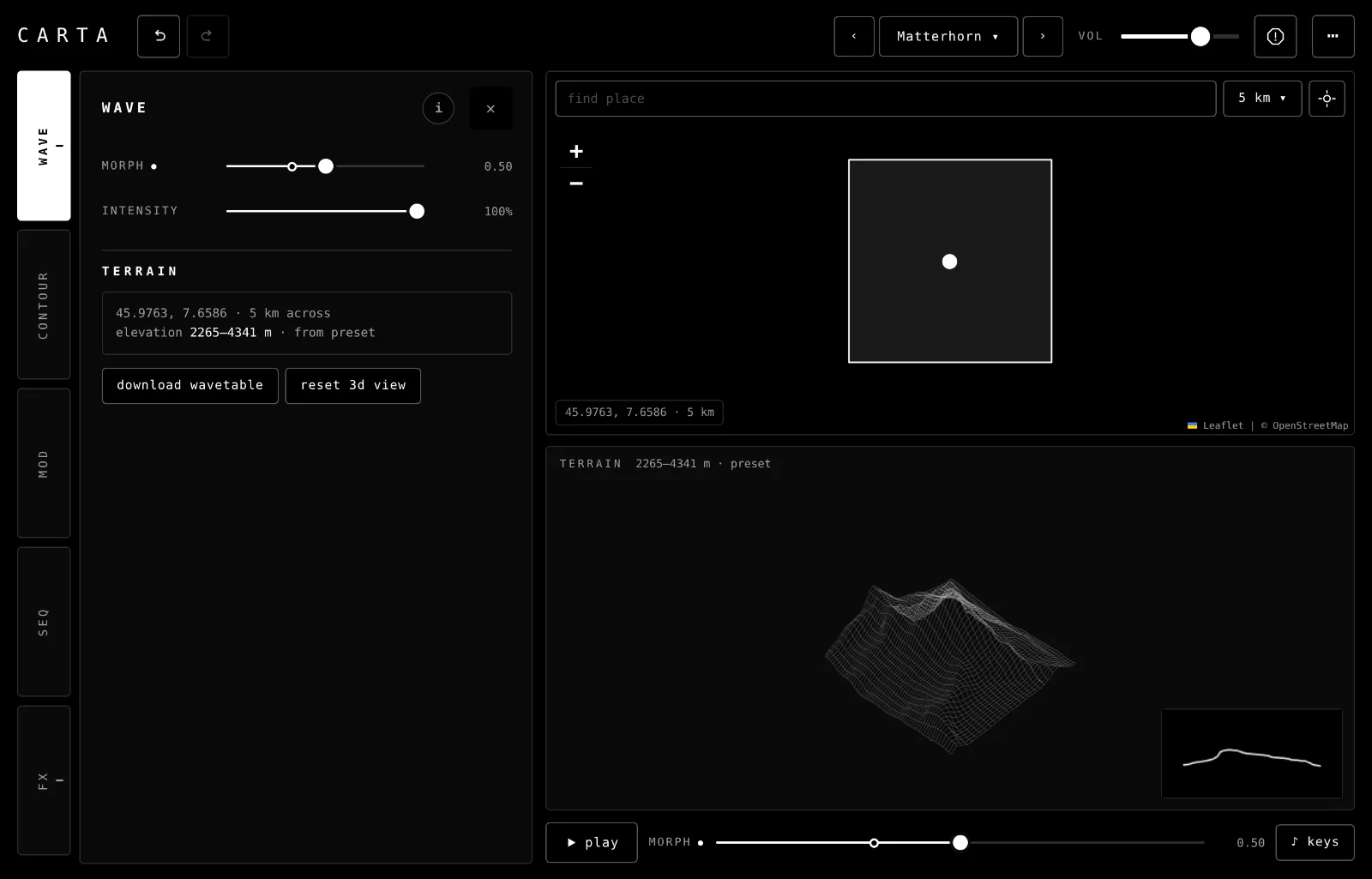
Tap the map, search a name or type a latitude and longitude. Carta reads a 5, 10 or 50 km square of ground.
02Let mods move it
Up to six mods move morph, the filter and most effects. Each has its own shape, rate and depth.
03Play a melody from the ground
The terrain pattern walks the square from west to east. Higher ground plays higher notes and rougher ground plays louder, in the scale you choose.
04Play it your way
Computer keys, a MIDI keyboard or a keyboard on screen. Touch a key lower to play it louder.
Features
More of what it has
- Presets: fifteen factory places, from Matterhorn to Zhangjiajie.
- Saving: your own presets keep their terrain, so they load without the internet.
- Backup: save your presets to a file and restore them later.
- Filter and envelope: two graphs you drag.
- Effects: drive, squash, phaser, resonator, tape delay and reverb with shimmer.
- Export: download the 32 waves as a .wav for other wavetable synths.
- MIDI: notes, velocity and mod wheel in Chrome and Edge.
- Hide ui: the map and terrain fill the screen.
- BrowsernowChrome, Edge or Safari. MIDI works in Chrome and Edge only. New places need the internet.
- iPadplannedAn iPad version is planned. Until then Carta runs in Safari on an iPad.
- DesktopplannedVST3 and AU.
Go deeper
Learn it, then pick a sound
Carta runs in your browser
Nothing to install. The sound starts after your first tap, and new places need the internet.