Ambient sound canvas
Canvas
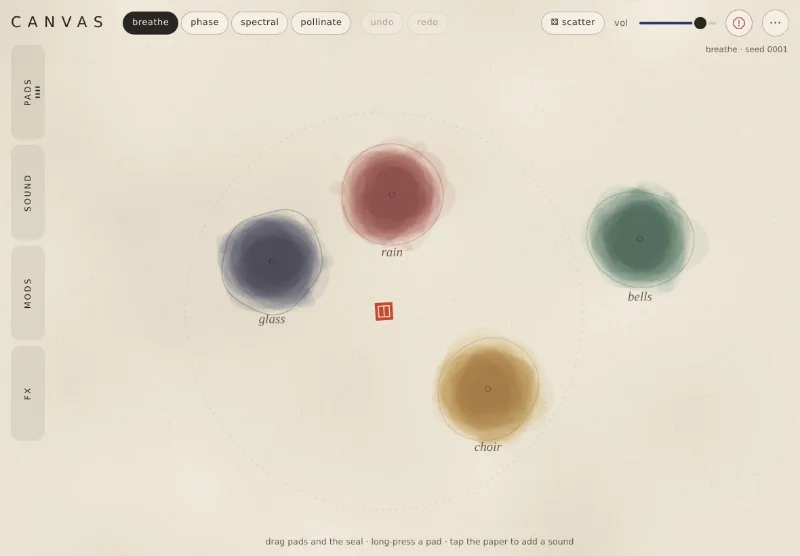
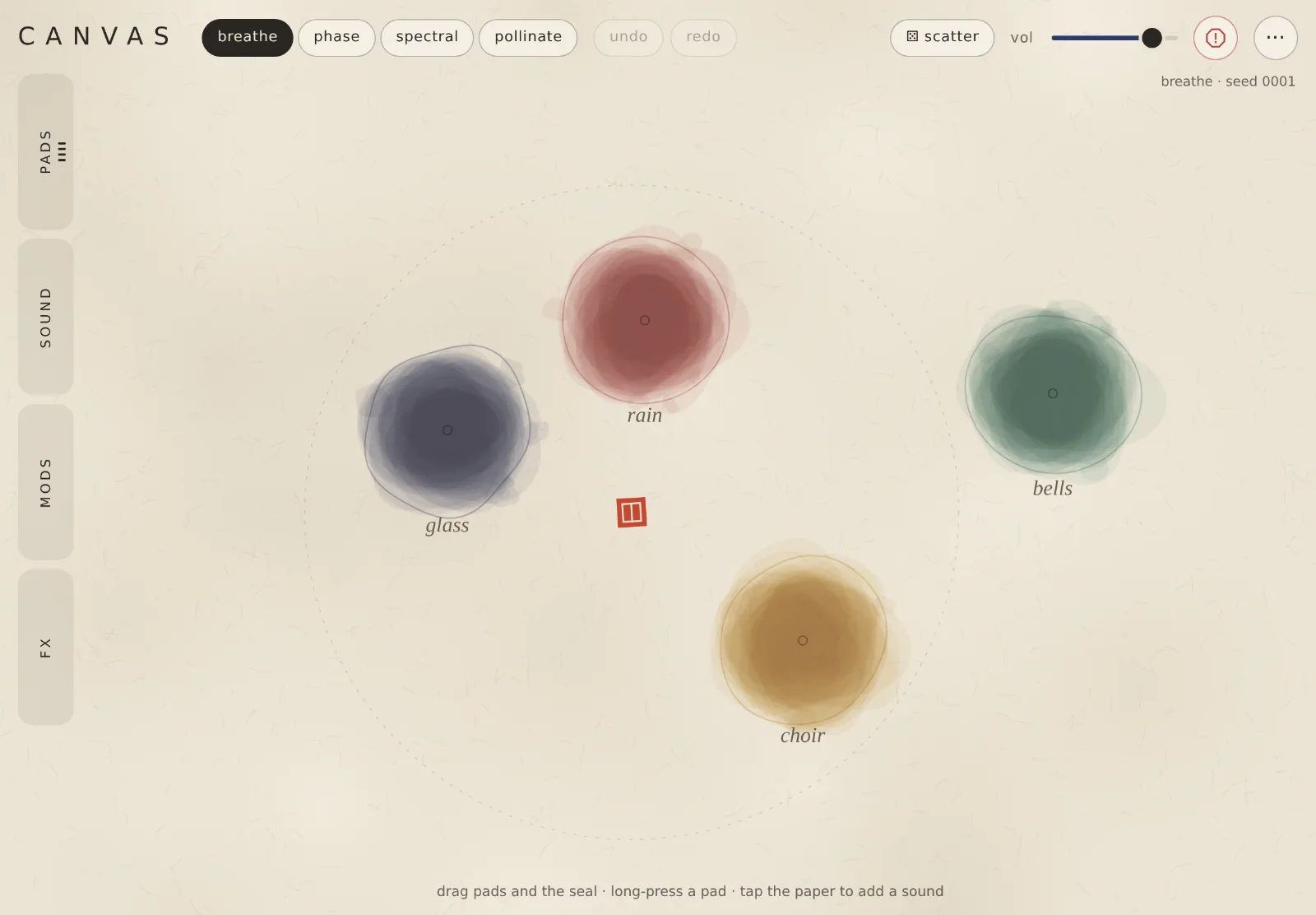
Drop sounds onto paper and drag the listener among them. Each pad can stretch, freeze, scatter into grains, loop like tape or play backwards.
What it does
Sounds that play off each other
01Walk among the pads
Drag the red listener across the paper. Pads near it come forward, louder and drier; far ones sit back in the hall.
02Four ways pads interact
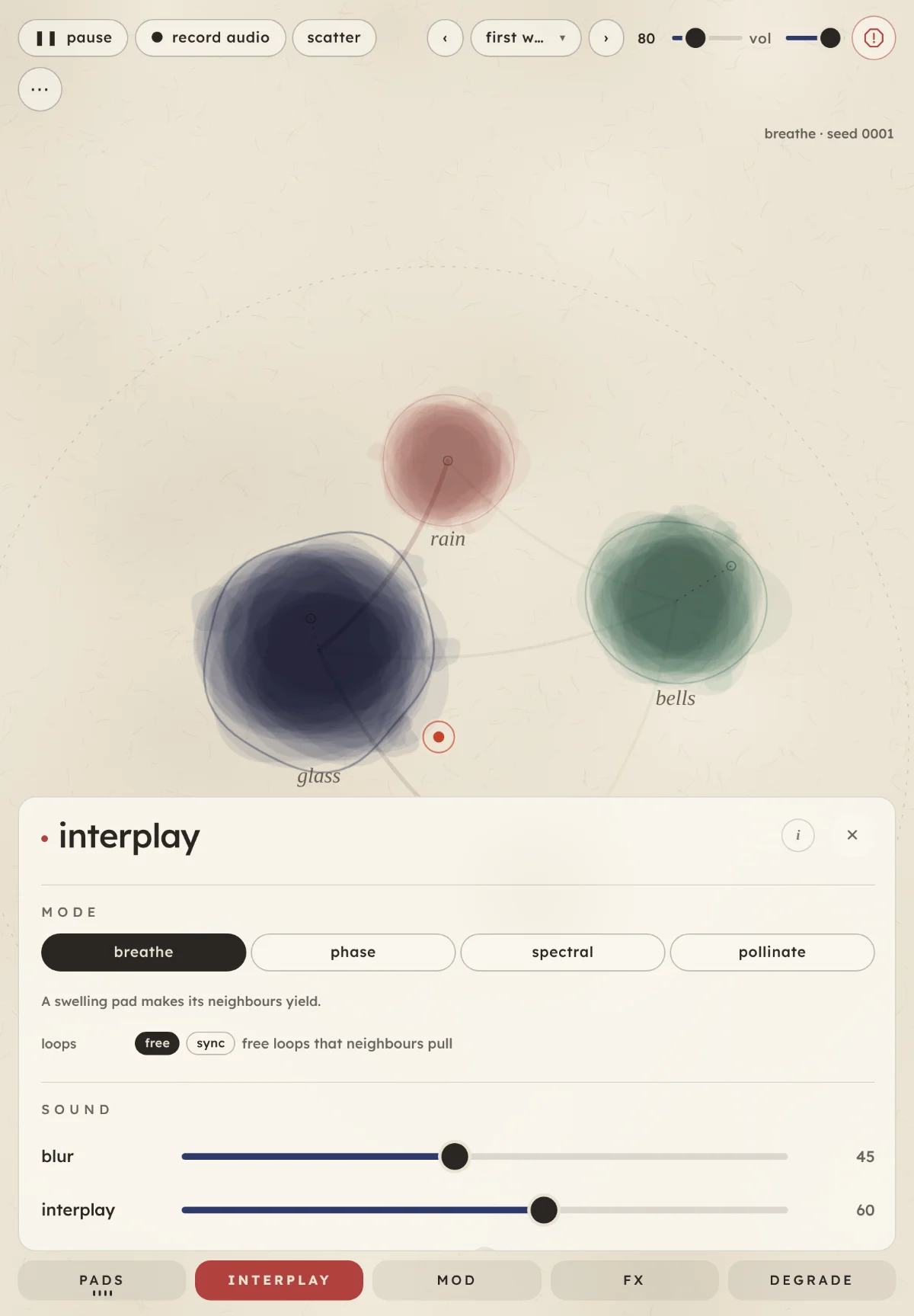
Pads take turns, swell on loops of their own, share out the frequency bands, or borrow moments from each other.
03Tape that wears
Press play on degrade and every sound slowly wears like an old tape loop, until holes open in the ink.
04Five playback styles
Stretch it, freeze one moment, scatter it in grains, loop it like tape or swell it backwards.
Features
More of what it has
- Sources: the sound bank, your own files, the mic, or a resample of the canvas.
- Pads: up to six on the paper.
- Mods: up to six slow modulators move sliders or the listener.
- Recorded moves: draw a path for a pad or the listener and loop it.
- Effects: tape delay, hall with shimmer, and grain cloud.
- Master clock: BPM sync for mods, moves and loops.
- Scenes: ten to start from; save your own and back them up to a file.
- Record audio: up to ten minutes to a WAV file.
- BrowsernowA current browser on a computer or an iPad. The mic needs the website.
- iPadplannedAn iPad version is planned. Until then, play the web version in Safari.
- DesktopplannedVST3 and AU.
Go deeper
Learn the controls
Canvas runs in your browser
Nothing to install. The sound starts after your first tap.