Generative brick sequencer
Stacks
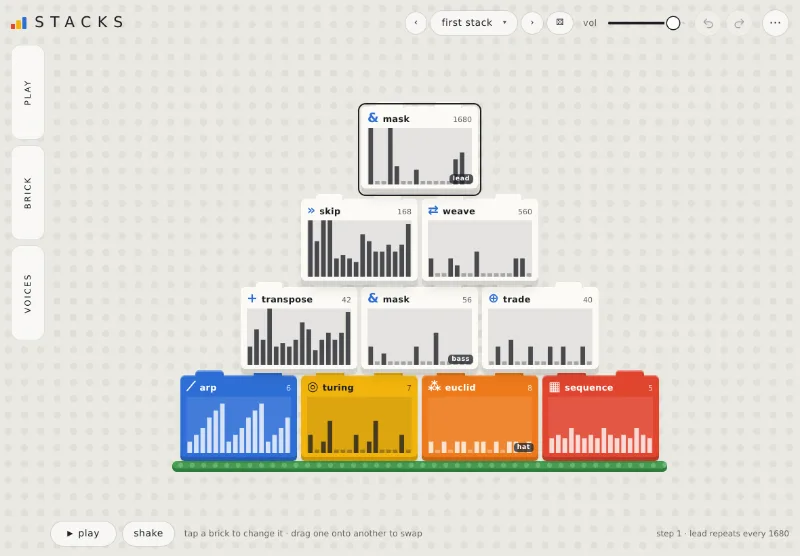
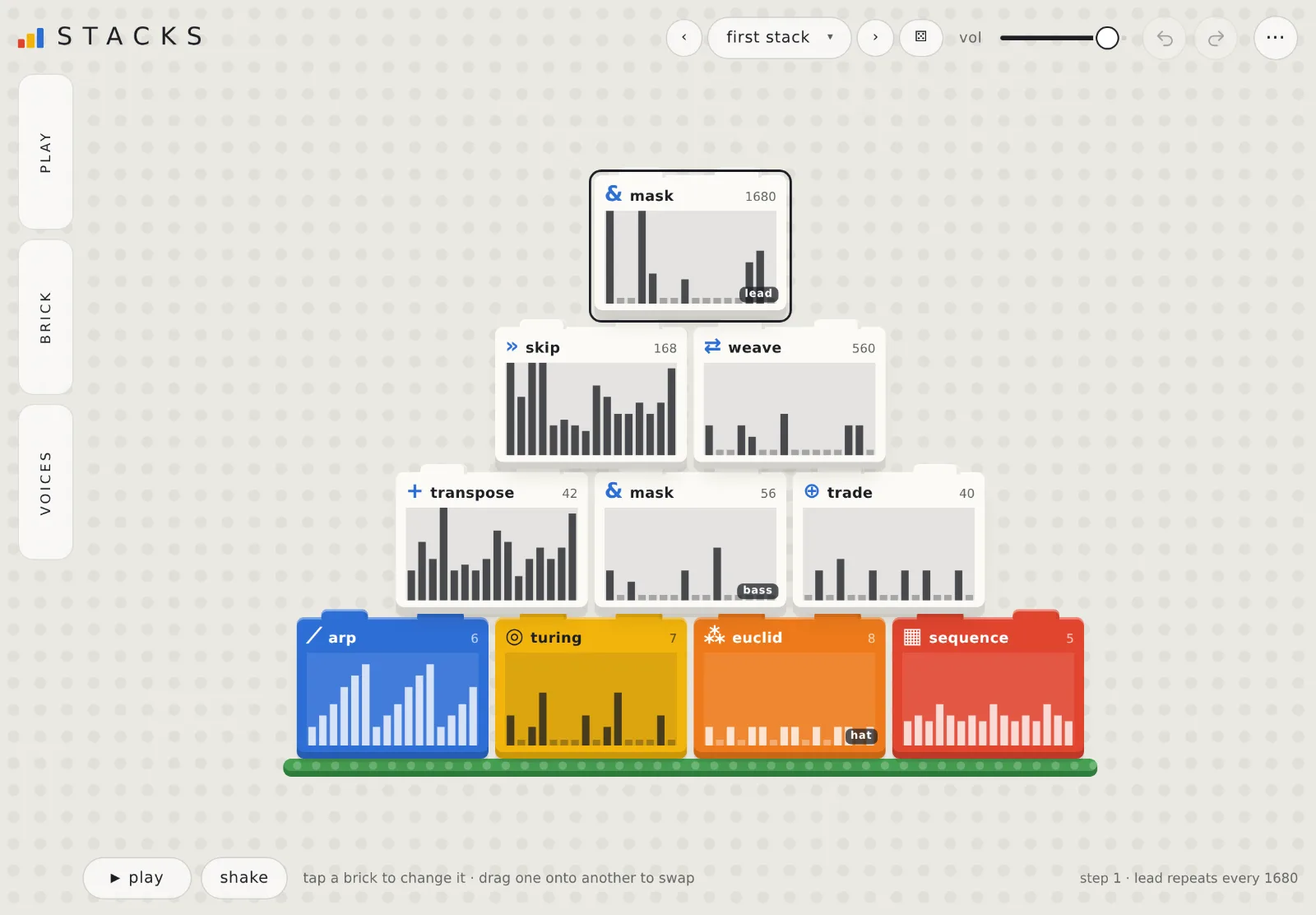
Build a pyramid of bricks that plays patterns on its own. Operator bricks transform the ones beneath them, and you can change it while it runs.
What it does
Make a pattern, then keep changing it
01Bricks combine bricks
The bottom row makes patterns. Every brick above reads the two beneath it: one is the source, the other changes it.
02Short loops, long cycles
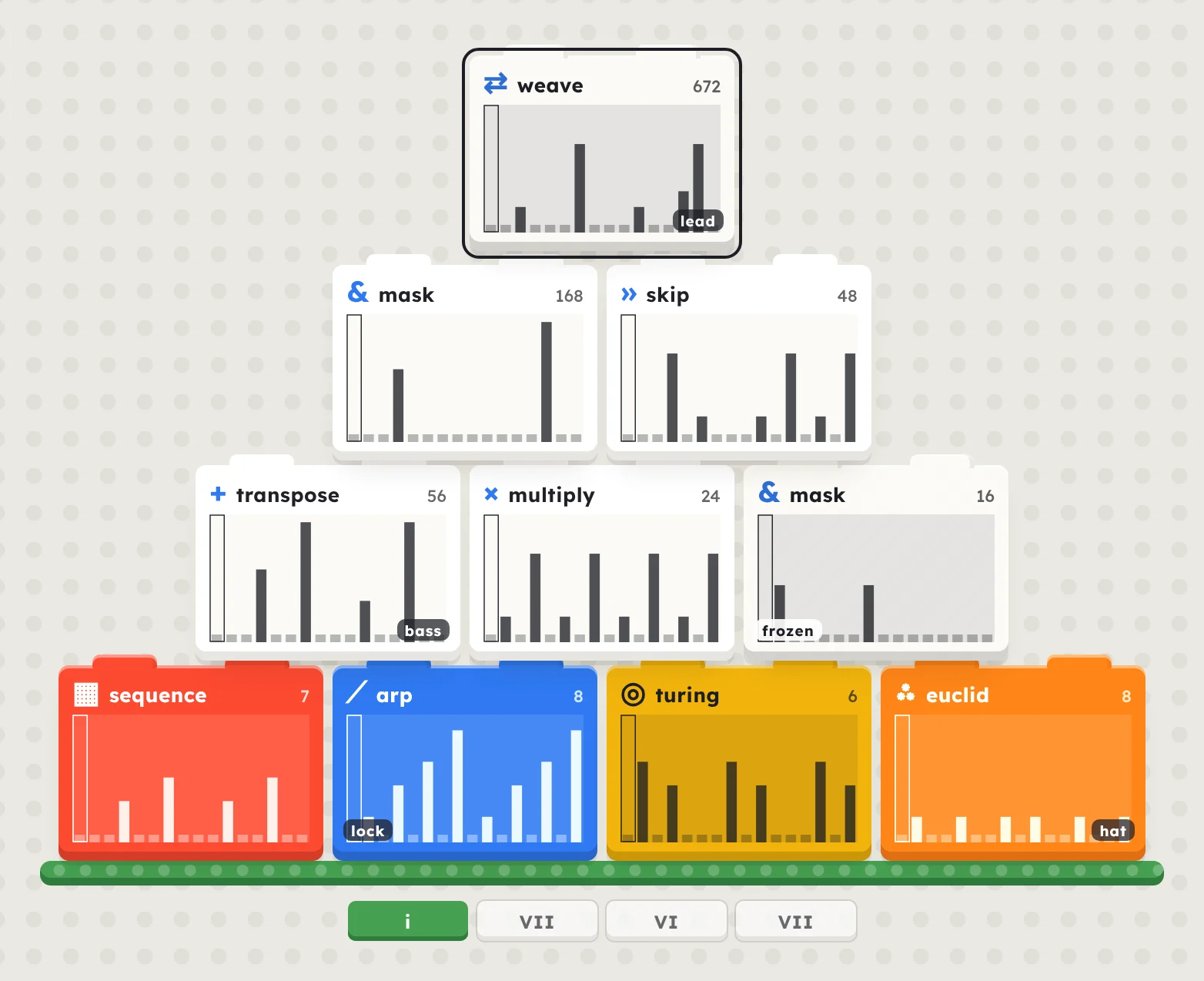
Bricks of different lengths only line up again after a long time. Pick a key, scale and chords, set a loop, or let drift change the stack by itself.
03Voices make it heard
Any brick can play one or more voices. Each is a built-in sound and a MIDI channel, with its own level and echo.
04Start from a stack
Step through built-in banks, grow a stack from any word, or start from a blank one and place your own bricks.
Features
More of what it has
- Bricks: eight generators and nine operators.
- Sounds: lead, bass, kick, hat and silent, with one shared echo.
- MIDI out: every voice on its own channel, in Chrome and Edge.
- Song: chain labelled sections, up to 32.
- Presets: four built-in banks, plus stacks grown from a word.
- Sharing: copy a stack as a code, or save it as a file.
- Change it live: swap, drag, pull, freeze or lock bricks as it plays.
- Undo: every change is one step.
- BrowsernowChrome, Edge or Safari. MIDI out works in Chrome and Edge only.
- iPadplannedAn iPad version is planned. Until then, open Stacks in Safari.
- DesktopplannedVST3 and AU.
Go deeper
Every brick and control
Stacks runs in your browser
Nothing to install. The sound starts after your first tap.